Online Banking & Mobile App
Bank and budget - from anywhere!
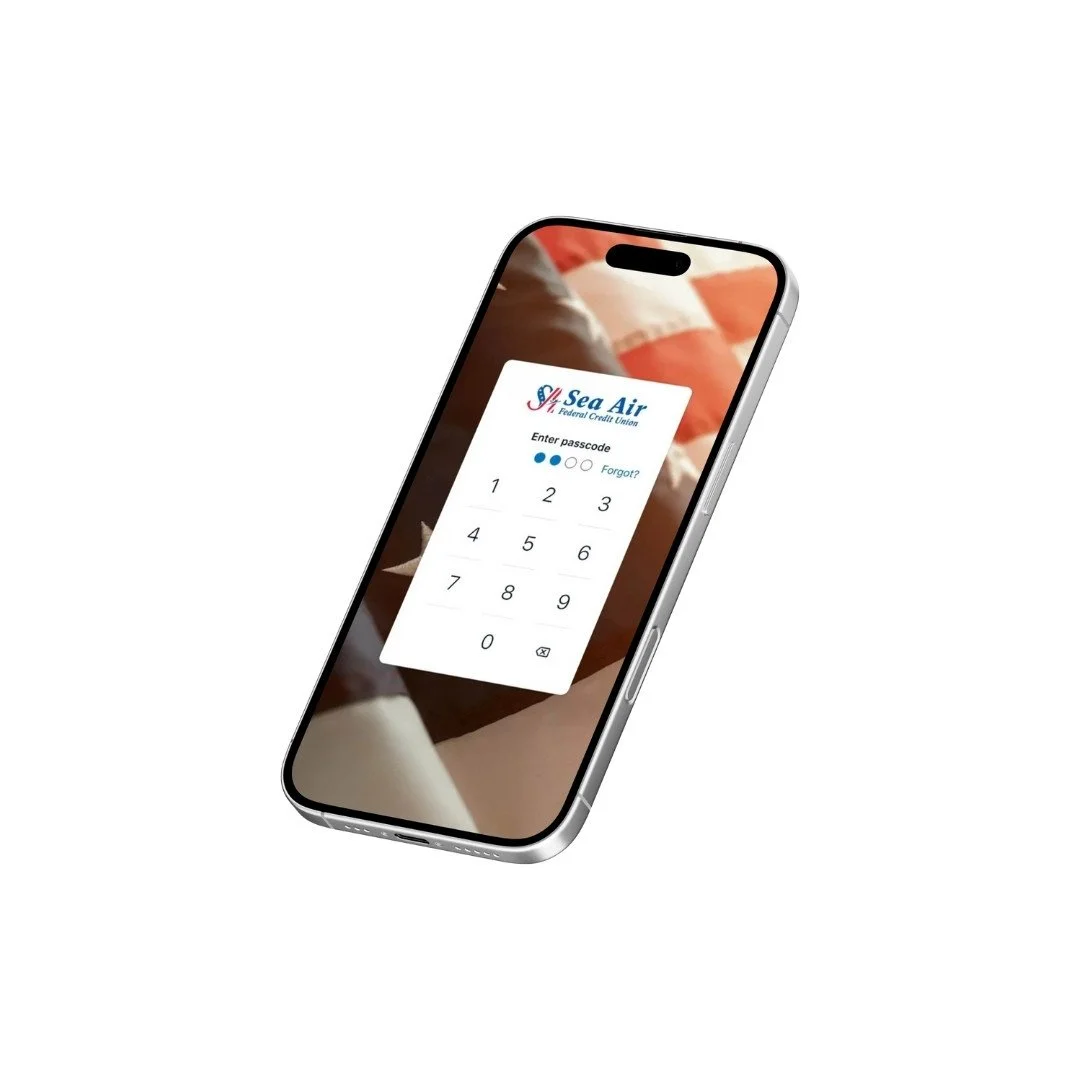
Mobile Banking
You can use the Sea Air FCU Mobile app* to:
Check balances and account history
Review recent transactions
Make transfers between accounts
View and pay bills electronically 1
Deposit checks using your phone's camera
Send money to just about anyone or any company
* Must be enrolled in online banking. Mobile banking is free to access, but messaging and data rates may apply. 1. To view and pay bills electronically, a checking account and enrollment in Bill Pay are required.
Audio Response (Telephone Teller)
Audio Response System gives you access to your account by calling 1.833.633.9156, 24 hours, 7 days a week. You can check your balance and history, transfer funds, make a loan payment, find out which checks have cleared and withdraw funds by check just by using your phone. For access to the Audio Response System, please follow the instructions below:
Call 1.833.633.9156
Enter your member number
Then enter your full social security number
You will be prompted to set up a 4 - 15 character access code
Select the options you want (i.e. Inquiries, Financial Transactions, Member Services, etc.)
Once your access code is set, you'll be able to call 1.833.633.9156 and enjoy the convenience of our Audio Response System
Manage your accounts securely anytime, anywhere!